Overview
OneFarm is Standard Bank's digital platform for agriculture. It connects smallholder farmers with the people they rely on every season: input suppliers, logistics providers and buyers. I was the only UX designer on the tech team, so I owned the design of the whole platform. I worked closely with product managers, developers and business stakeholders, and I kept coming back to one group in particular: farmers working in rural areas with patchy signal and basic phones.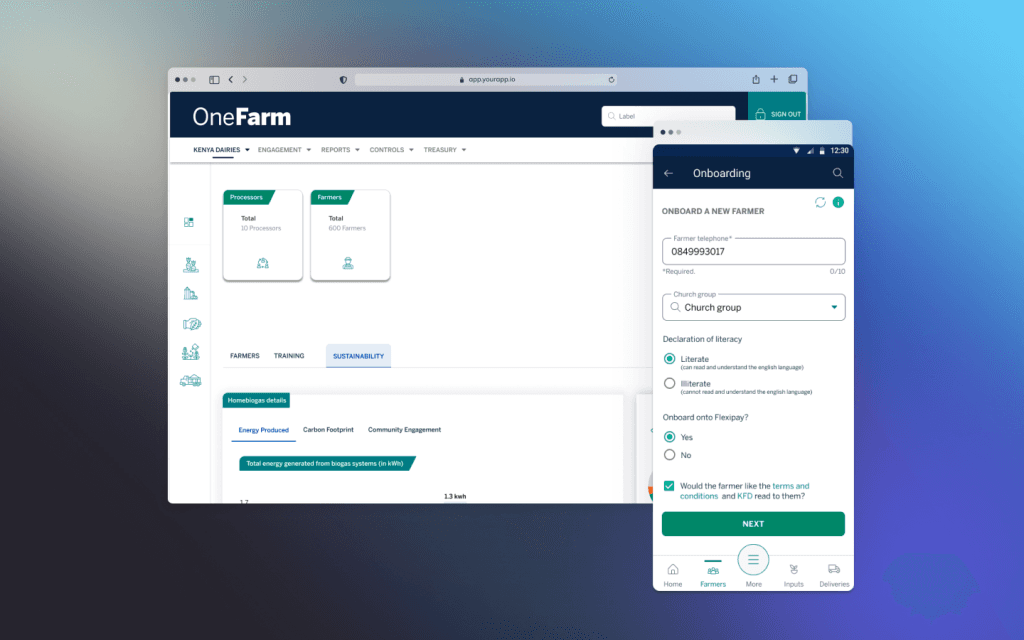
ClientStandard Bank Group
RoleSole UX designer
MarketsKenya, Uganda, South Africa
ProductsOneFarm PWA and OneFarm Connect
The problem
Getting seed, fertiliser and chemicals to a smallholder farmer involves a lot of people. Farmers, field agents, cooperatives, agrovet shops, finance teams and the bank all play a part, and most of the coordination was happening on paper, over the phone and in spreadsheets. Farmers didn't know where their orders were or what they owed. Field agents had no easy way to collect orders from a whole group. And the business had no clear view of what was happening across regions.The question I had to answerHow do I give every person in the chain one simple place to order, pay and track, when many of them have weak signal, basic phones and limited reading skills?
Design process
01. Discovery and researchI interviewed farmers, field agents and agribusiness coordinators about how ordering and delivery really worked. I also went out to rural areas to see the conditions for myself: weak or no signal, people new to smartphones, and buying that rises and falls with the seasons. To see where OneFarm could do better, I reviewed similar platforms like AgroMall and Twiga.
02. Defining the problemThree needs stood out. Farmers wanted to know where their order was and what they were paying for. Field agents needed a quick way to collect orders from many farmers and send them in one go. Business teams needed dashboards to follow performance across regions.
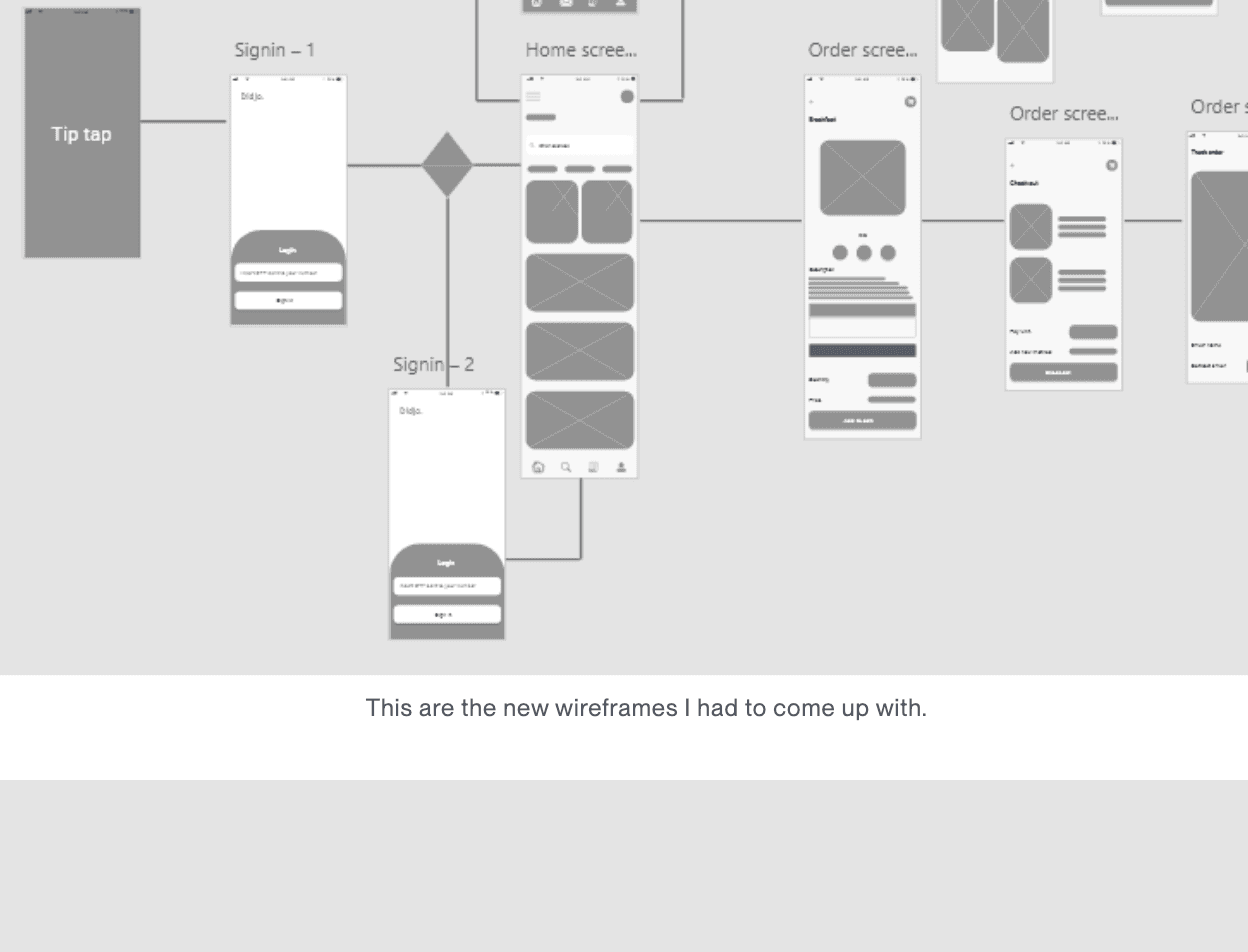
03. Ideas and wireframesI sketched low fidelity wireframes for ordering inputs, confirming deliveries and checking payments, and tested the flows early. Because of the connectivity problems, I designed the main tasks to work offline first, with extra features loading only when the connection allowed.
04. Prototyping and testingI built clickable prototypes in Figma and tested them with farmer groups and field officers. Their feedback led me to cut down the navigation, lean on icons, and add support for local languages.
05. Working with developersThe app was built as a Progressive Web App, so I worked side by side with the developers to make sure every design could actually be built that way. I prepared responsive assets and reviewed the build so the experience stayed consistent on every device.
On the farm: site visits and usability testing
To design for farmers I needed to spend time with them where they work. I visited five farmers for this study, including a vegetable farm in Midrand, Gauteng. Each visit had the same aims: understand their farming practices at a high level, show them how field mapping works in OneFarm, and work out together how we could improve it to support them.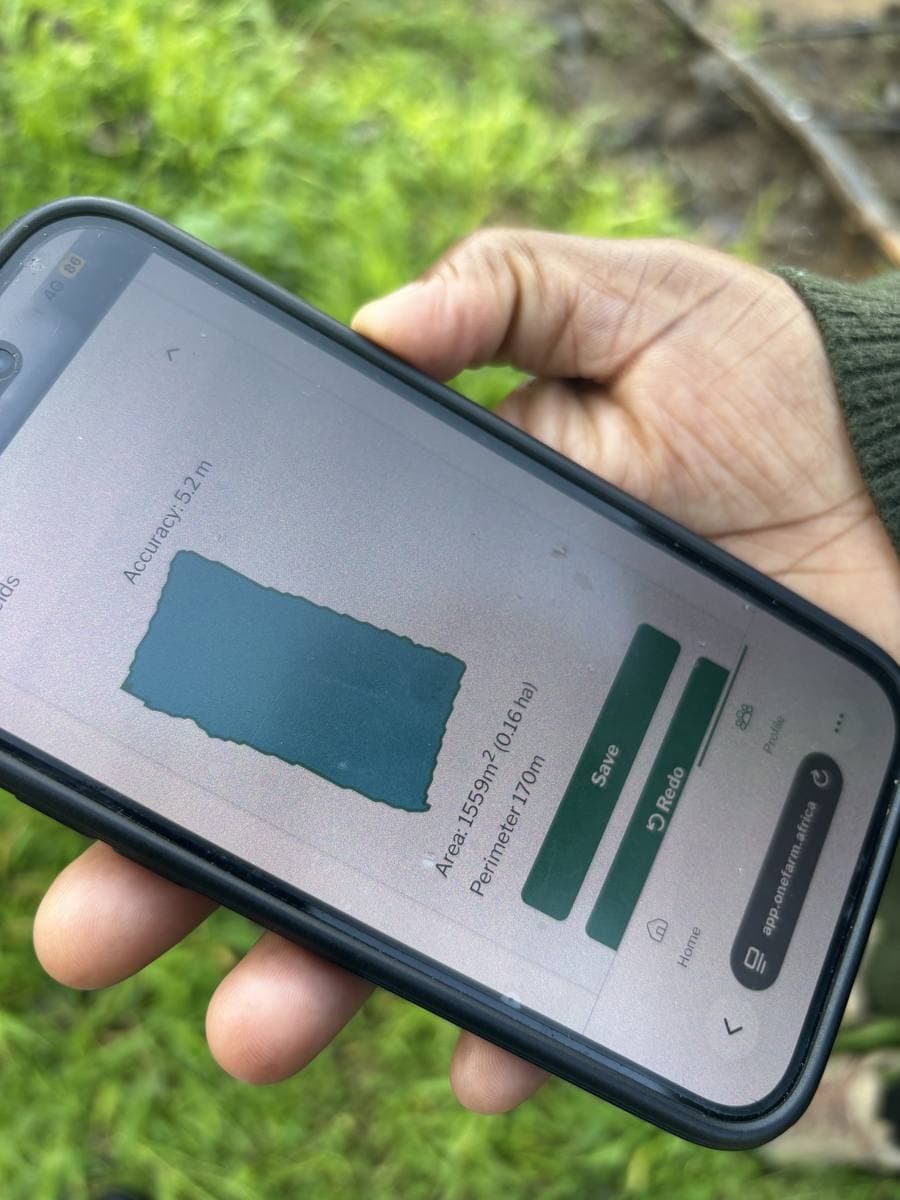
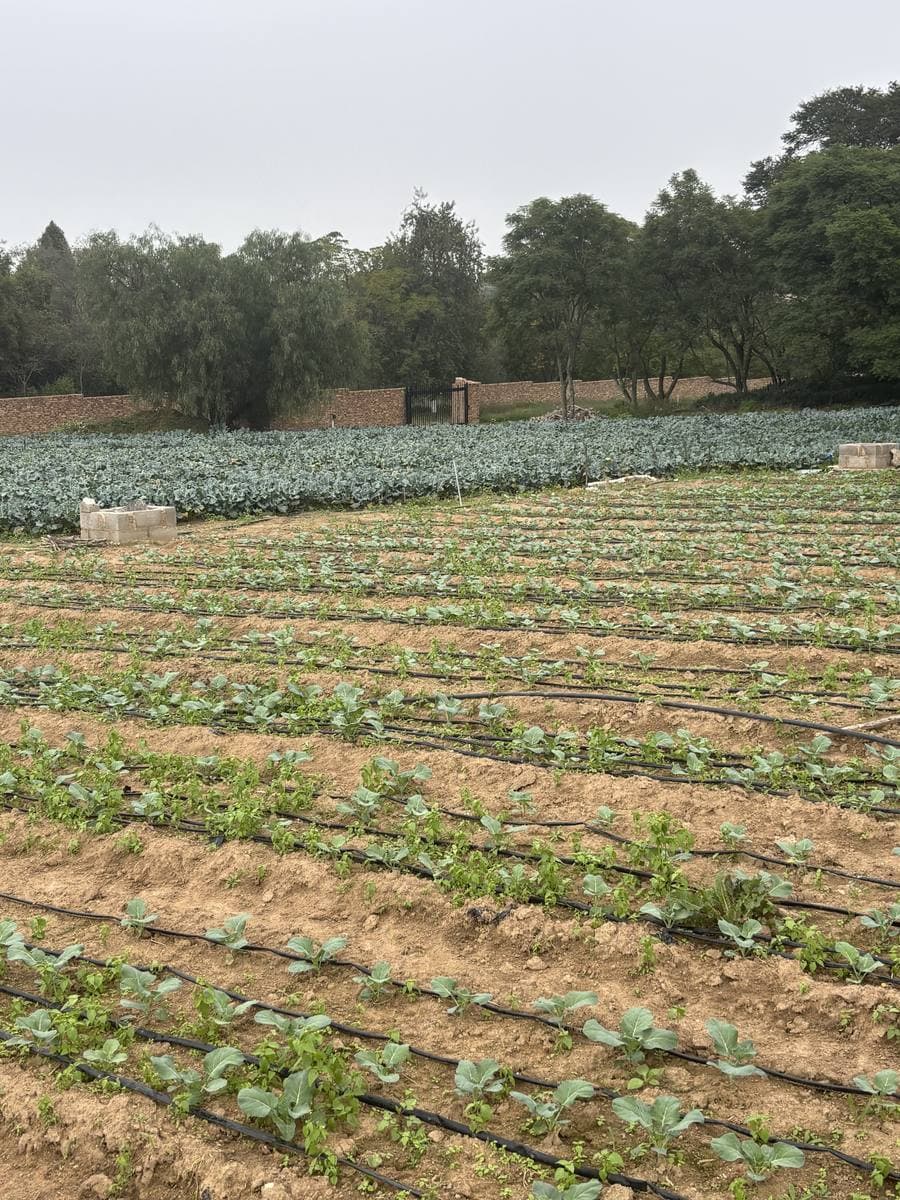
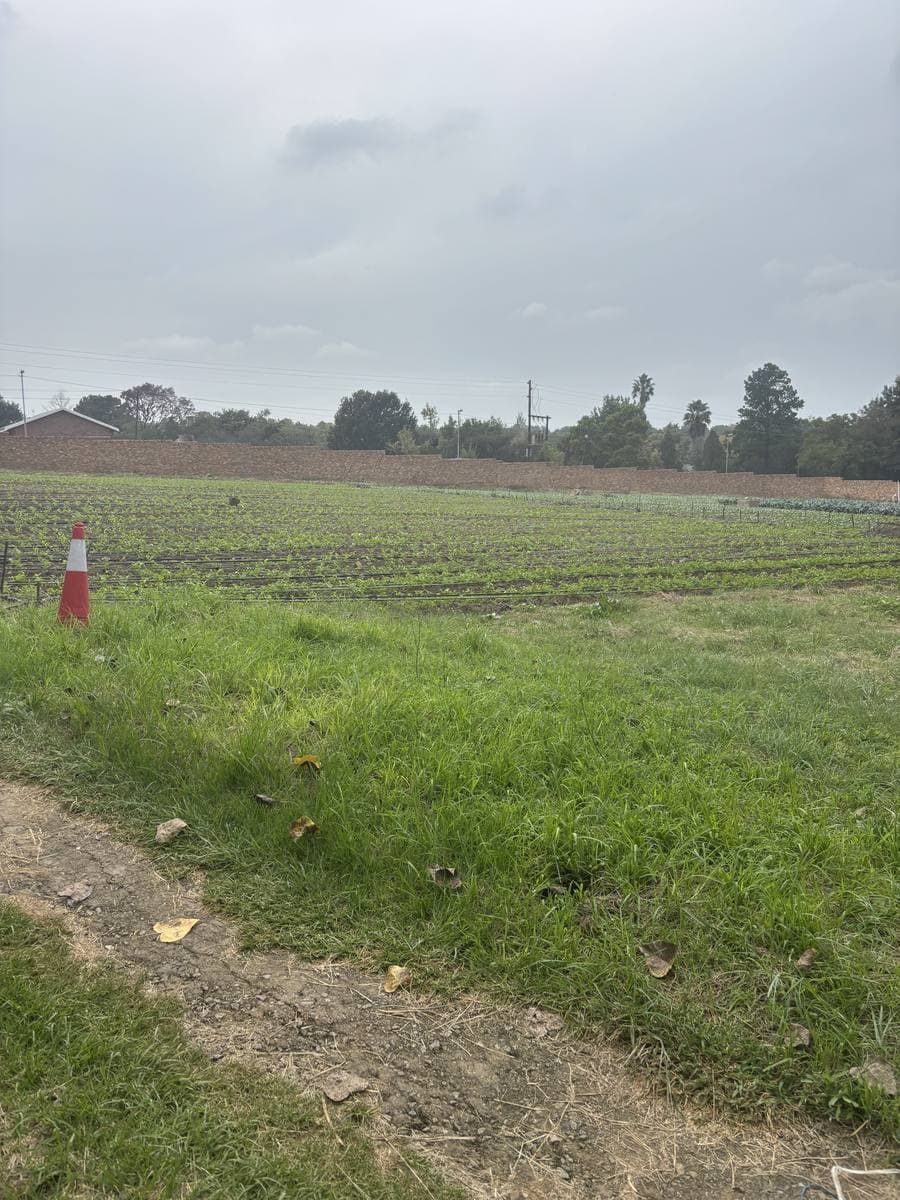
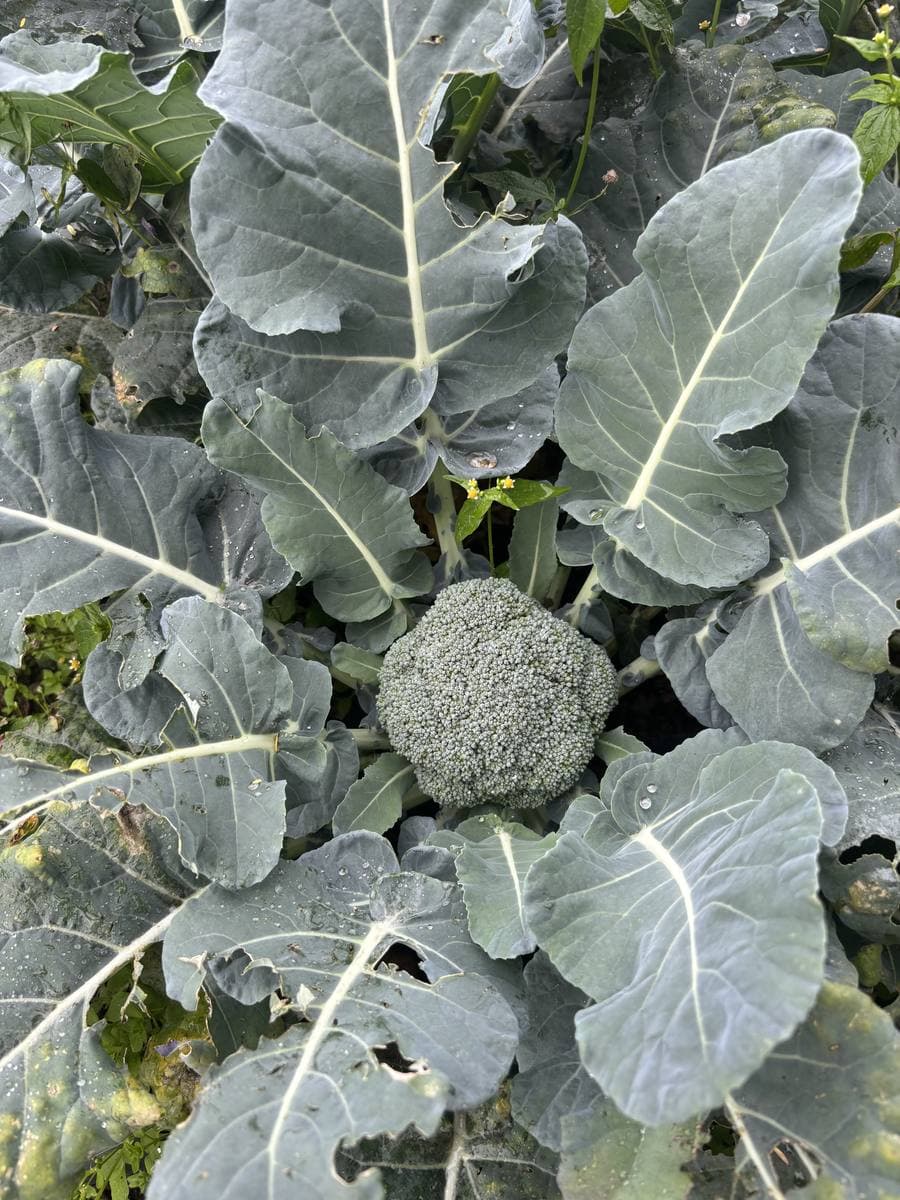
Field mappingI demonstrated how field mapping works by mapping fields in the app on real ground, then talked it through with each farmer: how they think about their land, and how mapping could be improved to support the way they work.
The farming cycleI ran usability testing around each stage of the farming cycle. We went through what affects the farmer at every stage, and which of those things technology could help them improve or predict ahead of time.
Money and bankingWe also covered how farmers manage their finances. Those conversations shaped how we approached a wallet and a loan system inside OneFarm, so farmers could manage money and bank through the platform they already use to run their farm.
The OneFarm app (PWA)
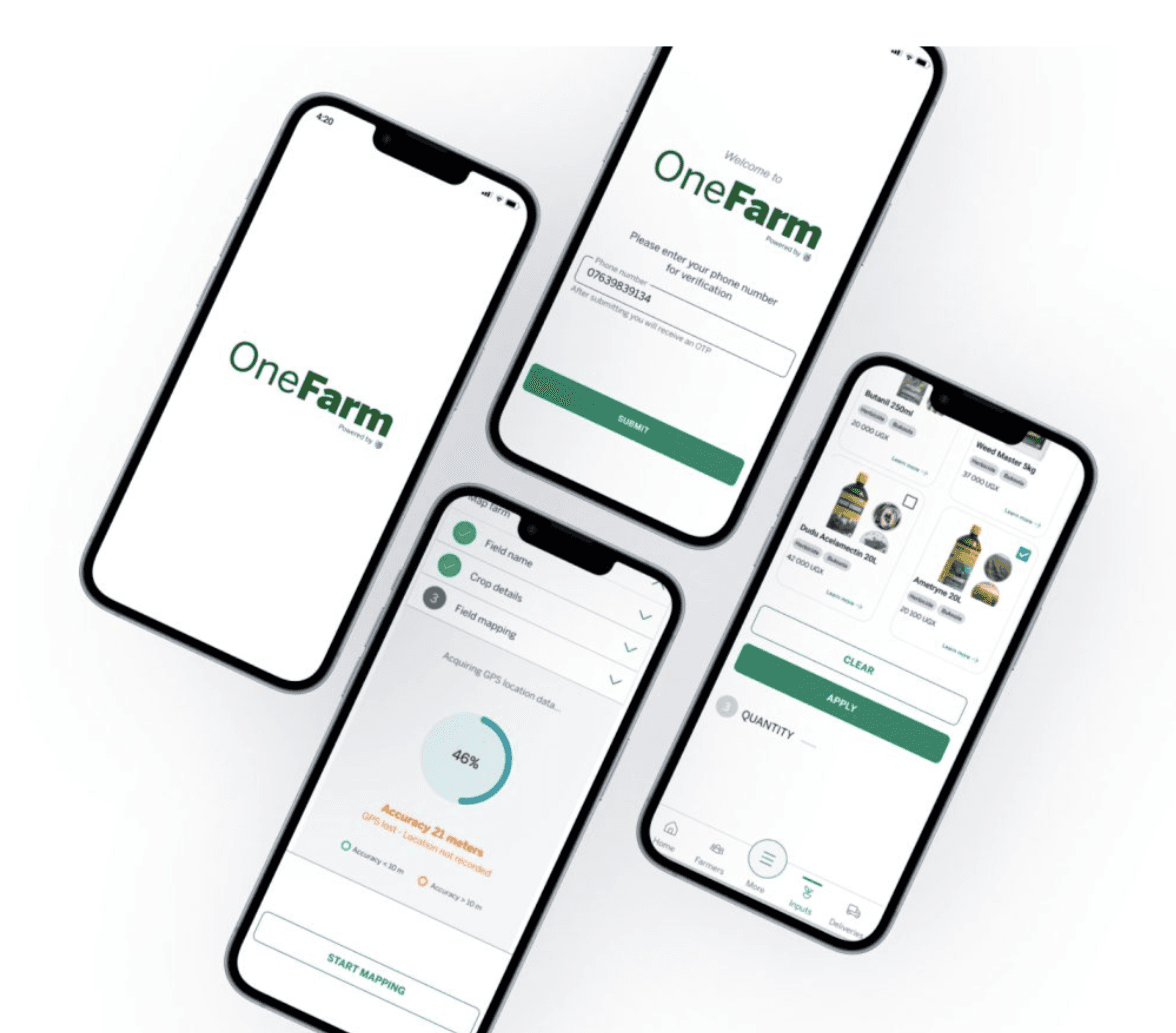
The OneFarm app is used by the people and organisations who represent or support farmers in Kenya, Uganda and South Africa. Field agents, cooperatives and agrovet shops use it to order inputs, take payments, map fields, log farm visits and handle the rest of the day to day work around a farm.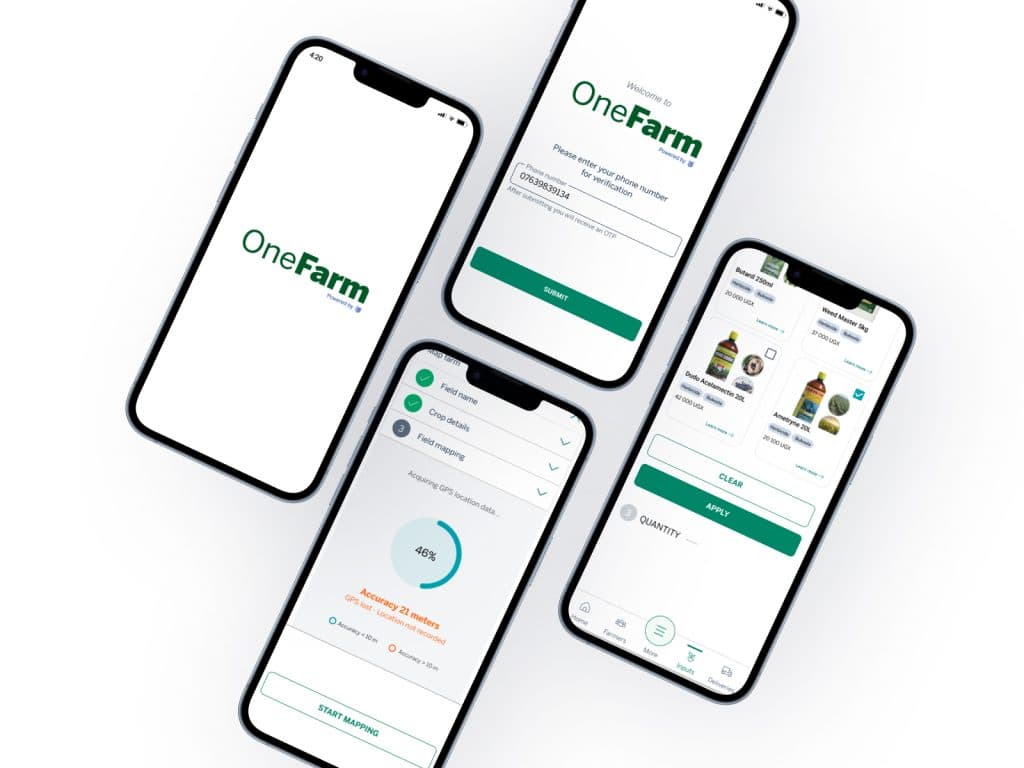
Phone number loginUsers sign in with their phone number and a one time PIN. No email and no password to remember.
Field mappingAgents walk the edge of a field to map it with GPS. The app shows how accurate the signal is before they start, so the map can be trusted.
Ordering inputsProducts are shown with photos and prices, so farmers can recognise what they are ordering even if they can't read the label.
OneFarm Connect (web)
OneFarm Connect is the web platform for administrators, finance teams and other super users inside the organisations and cooperatives that support farmers. From here they onboard and manage farmers and other users, follow orders, and see everything that happens in the app. Dashboards break the data down by organisation, with views for farmers, training and sustainability.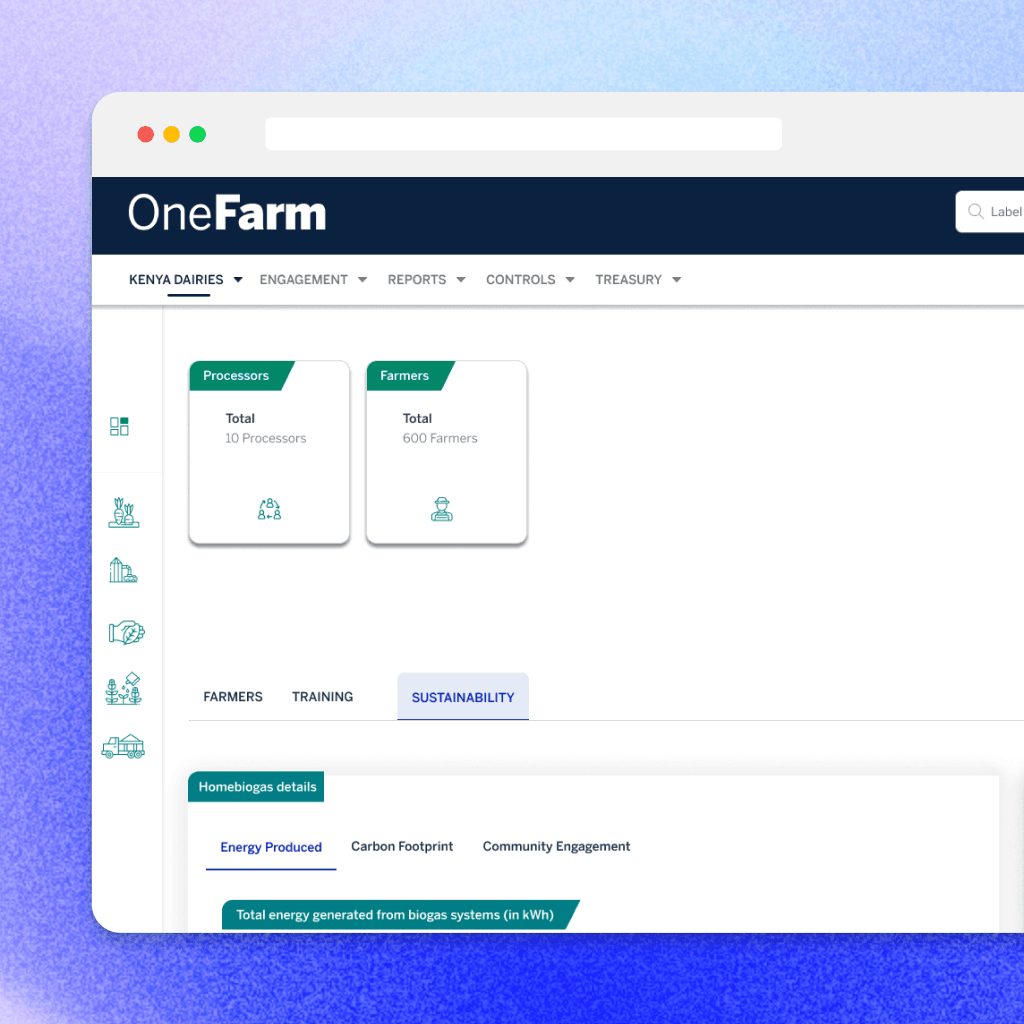
POS wireframes (Kenya)
In Kenya, input suppliers and shopkeepers needed to run their shops inside OneFarm too. These wireframes show the point of sale features I designed for them: making a sale with discounts and a choice of cash or Lipa na OneFarm, managing products, moving stock between shops, and placing stock orders with suppliers.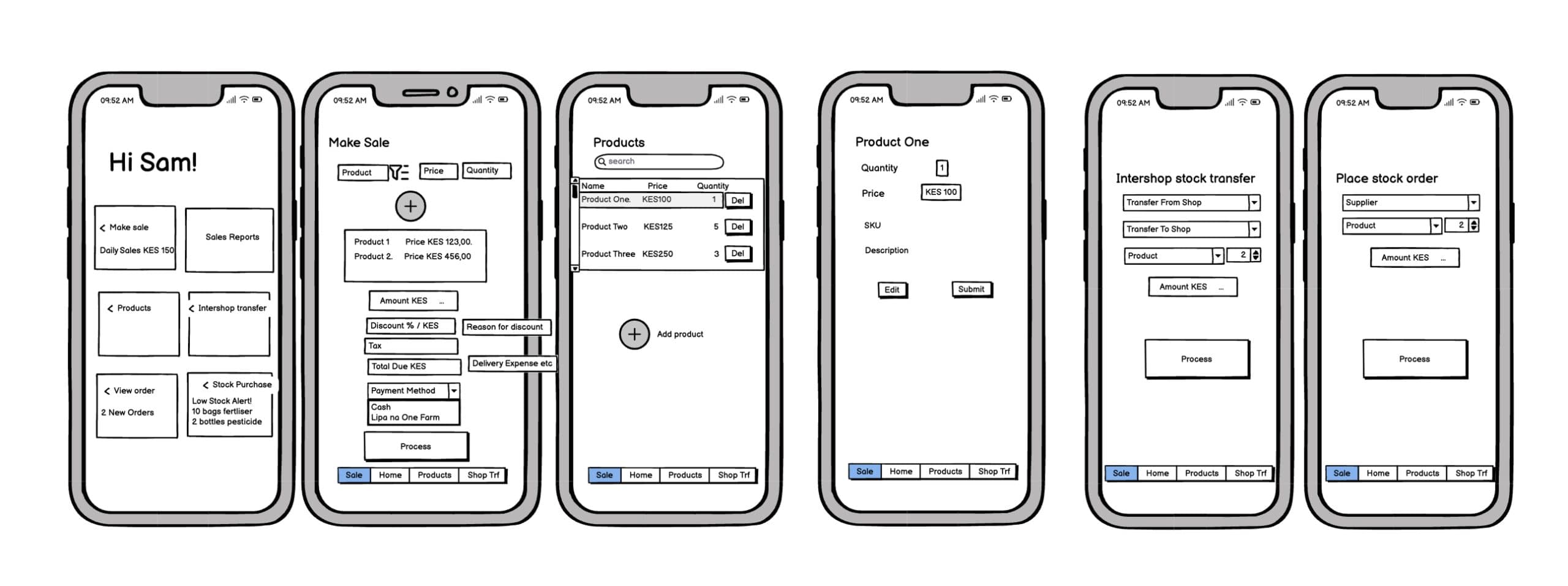
Where OneFarm is today
OneFarm has since grown into a family of products. OneFarm Grow covers procurement, farmer management and payments for cooperatives and agribusinesses. OneFarm Impact runs programmes that give farmers access to knowledge, inputs and finance. OneFarm Share sends surplus produce to communities in need. You can see the current platform at onefarm.africa.Skills & deliverables
- User research and on-farm site visits
- Usability testing with farmers
- Wallet and loan experience research
- UX and UI design for mobile and web
- Interactive prototypes and usability testing in Figma
- GPS field mapping and offline first flows
- Design support for a Progressive Web App build